
When and how to descale an office coffee machine
Follow the descale alert or the interval in your model’s manual. Use the specified descaler. Finish the fresh-water rinse before you brew again.
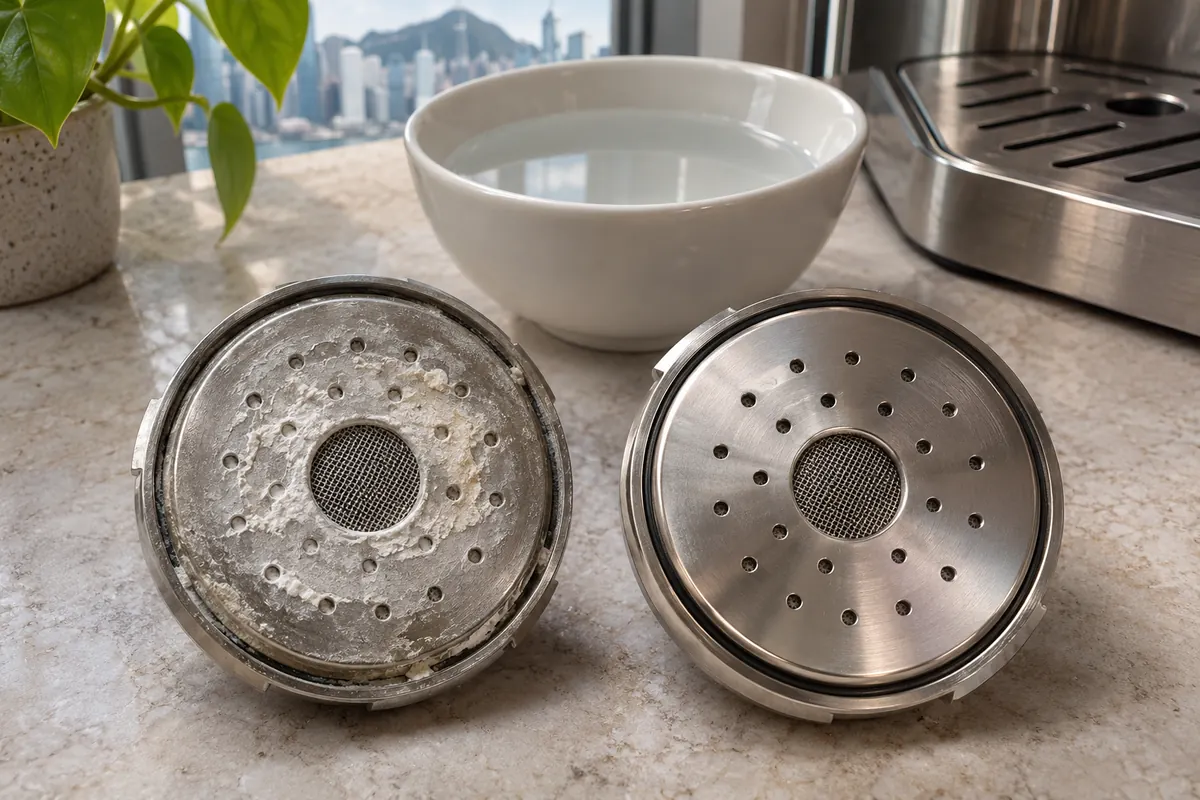
When the machine asks for descaling
When the screen says Descale, use the descaling programme and the product specified for that machine. Descaler removes mineral deposits from the water circuit. Coffee cleaning tablets and milk cleaners serve different purposes. If a symbol appears without a label, identify it in the model’s manual before adding any product.
Check the water hardness setting and whether the machine has a filter installed. Both can affect maintenance prompts. If your machine has no alert, look under “descaling” or “deliming” in its manual for the interval and who should do the work. If this is a technician’s task, book the service before adding descaler.
Run the complete cycle
Use the descaler and dose listed for your model. Remove the filter if the instructions require it. Place a container of the specified capacity under the outlets shown and keep the drip tray clear of cups. Hot liquid may discharge from more than one outlet.
Follow the screen or manual through every stage, including the fresh-water rinse. Use the designated tank or connection only. Do not improvise with kitchen vinegar, combine cleaning products or interrupt a cycle to serve coffee.
If the warning stays on
Check the last message and whether a rinse, fresh tank of water or final confirmation is still pending. A persistent light can mean that the programmed sequence did not finish.
If the programme finished and the warning remains, tell the service technician which product you used and what the display says. Keep the machine out of use if it has not finished rinsing. Avoid running a second dose of descaler without a diagnosis.